From Feed to Favorites: Remembering Art You Discover Online
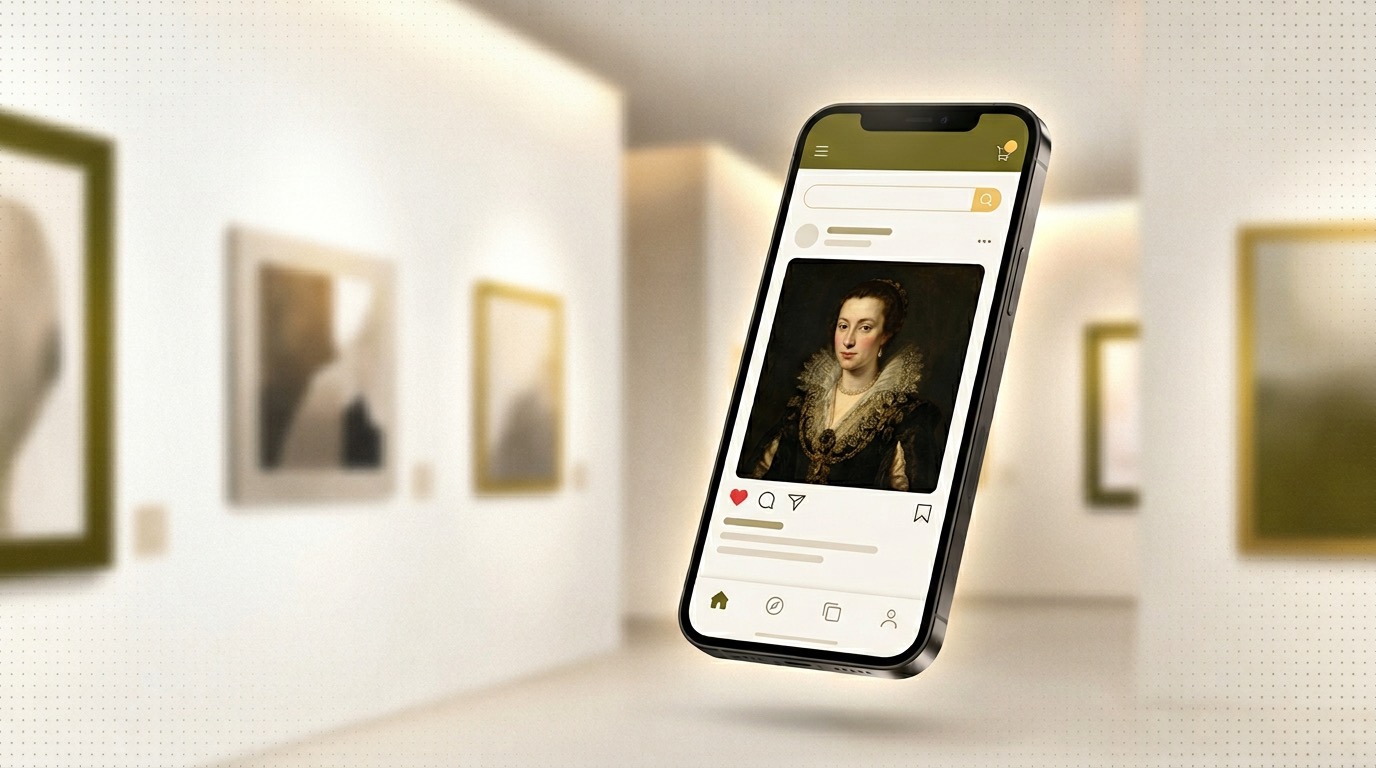
You double-tap a Caravaggio reel, save a TikTok from the Louvre, and screenshot a caption with the artist’s name. Three months later you cannot find any of it. Sound familiar? Social platforms were never built to be your long-term art archive.
TL;DR
- Why saves and screenshots fail for art lovers
- What to capture when something moves you online
- How to connect “I saw this on Instagram” to a real visit or deep dive
- How ArtLens helps you keep context, not just pixels
The Social Art Problem
Saving is effortless
Bookmarks, collections, and screenshots take seconds. The hard part is retrieval: who posted it, what the work is called, and why it mattered to you in the first place.
Feeds are fragile
Accounts rebrand, posts vanish, and links rot. If the only copy lives inside an app’s algorithm, you do not own the memory.
What to capture when art stops your scroll
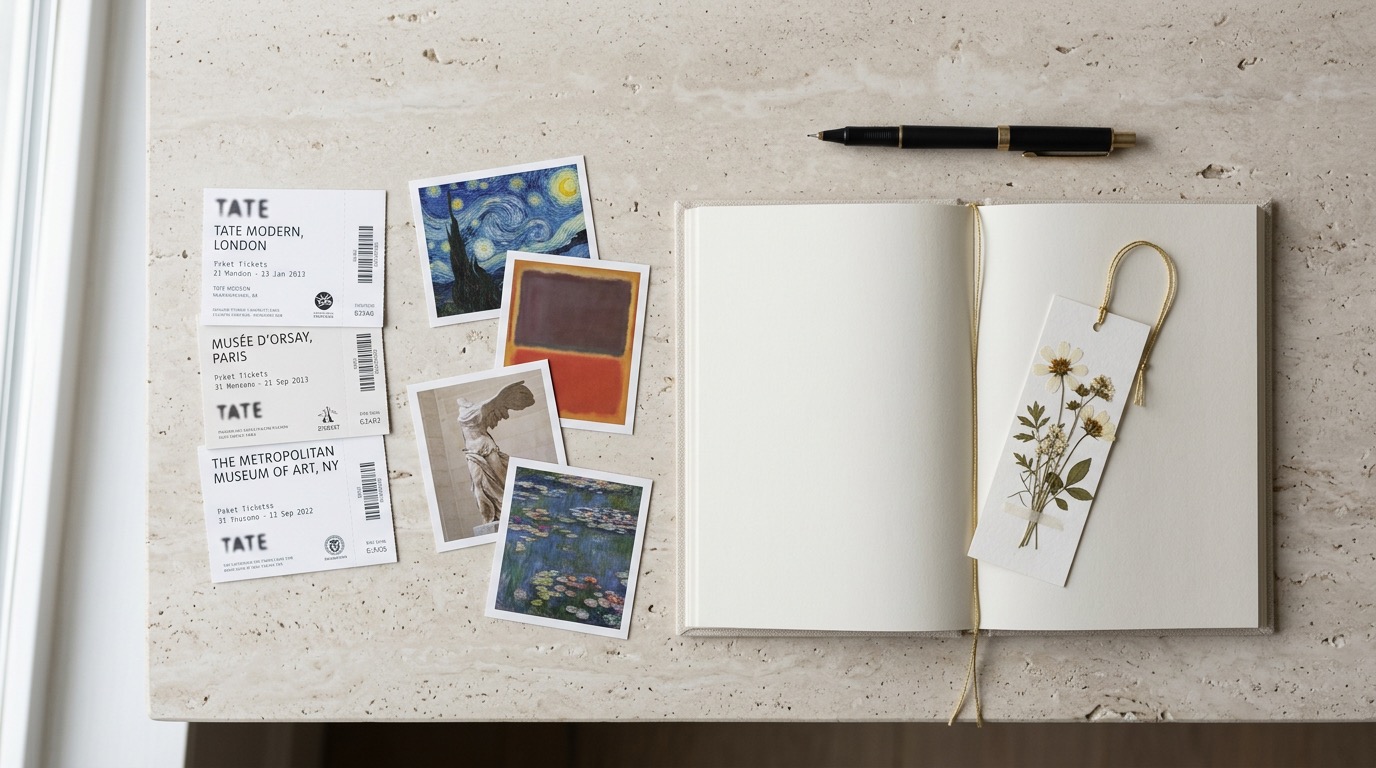
Minimum viable note
- Artist and title (even if approximate)
- Museum or collection, if mentioned
- One line: why you saved it—mood, technique, story
If you have time
- Link to the original post
- Era or movement (Baroque, Bauhaus, contemporary)
- A reminder to see it in person or read more
From screen to gallery floor
Use your notes as a queue: next city trip, search the venue’s collection online, or scan the real work with ArtLens when you stand in front of it. The feed becomes a research list—not a dead end.
How ArtLens fits in
ArtLens is built for people who care about context: identify works, read curated summaries, and keep a thread of what you have seen and loved. Pair your own saves with what you discover in the hall so the story stays in one place—not scattered across five apps.
Conclusion
Social media is a fantastic discovery engine. Your job is to give those discoveries a home: a few structured notes today save hours of searching tomorrow.
Ready to build a cultural path that lasts? Download ArtLens on the App Store and turn inspiration into memory.
Last updated: March 12, 2026