Organize Your Museum Memories (Without Another Messy Camera Roll)
If your “museum folder” is 400 photos named IMG_4821.jpg, you are not alone. The goal is not perfection—it is being able to find that one piece when a friend asks, “What was that show we saw in April?”
TL;DR
- One place for visits, works, and notes
- Tags that match how you think (by city, artist, mood)
- Why search beats scrolling
- How ArtLens supports a single, searchable trail
The scattered-memory problem
- Photos live in the cloud; context lives in your head
- Tickets and brochures disappear
- You remember the feeling, not the accession number
A simple structure that works
By trip
- City + museum + date
- 3–5 “anchor” works per visit (not every wall)
By theme
- Portraits, abstraction, ancient world, design—whatever you return to
By artist
- When you start following someone across venues, link the dots
Habits that stick
- Same night: add one sentence per highlight before you forget.
- One search test: once a month, try to find a random work in under a minute. If you cannot, simplify tags.
- Delete noise: blurry crowd shots rarely age well; keep the frame that still gives you chills.
ArtLens as your hub
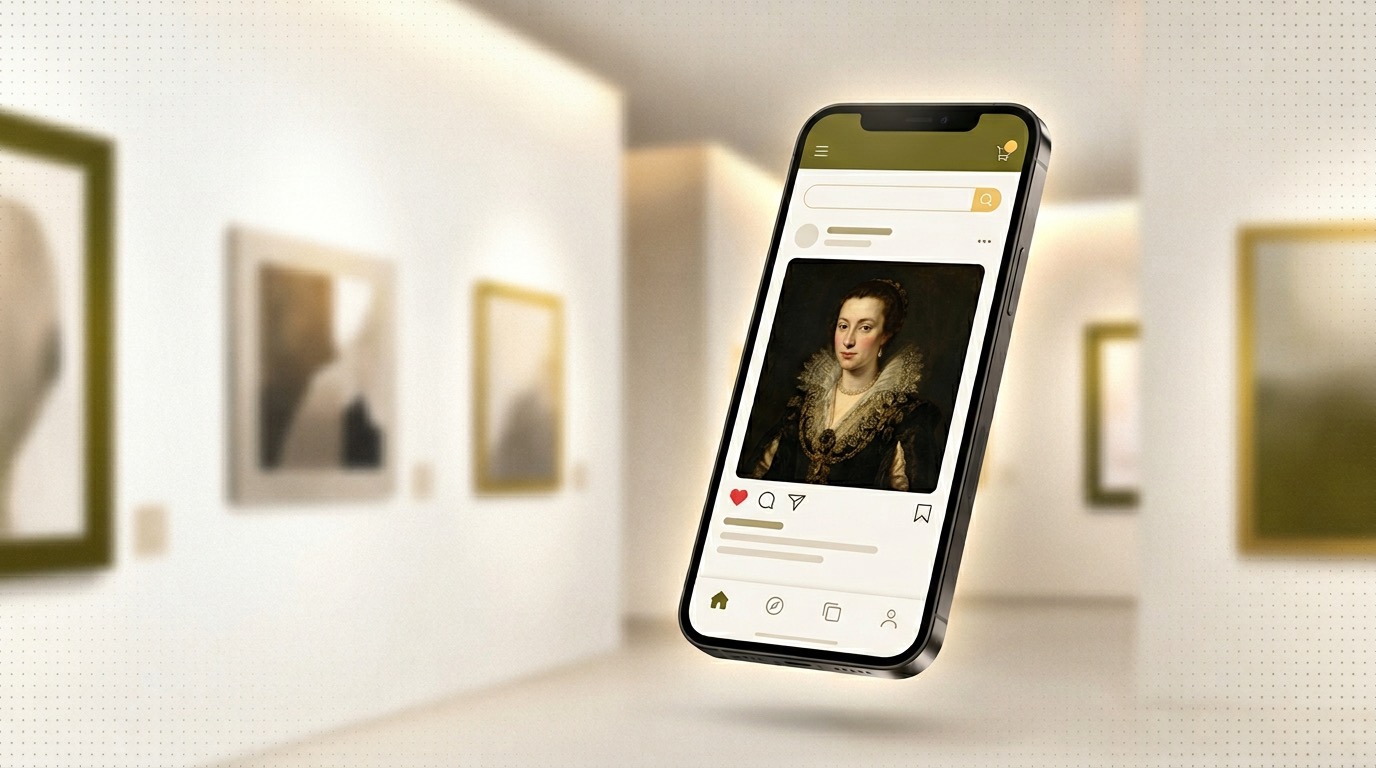
ArtLens helps you name what you saw, attach readable context, and revisit it without digging through albums. Less “where did I put that?”—more “here is the thread.”
Conclusion
Organization is really respect for future you. A light system you actually use beats a beautiful spreadsheet you abandon after the first month.
Get ArtLens for iPhone and keep every exhibition in reach.
Last updated: March 8, 2026